
Mac Geek Gab — Apple Tips, Tricks, and Troubleshooting · Dave Hamilton, Pilot Pete & Adam Christianson
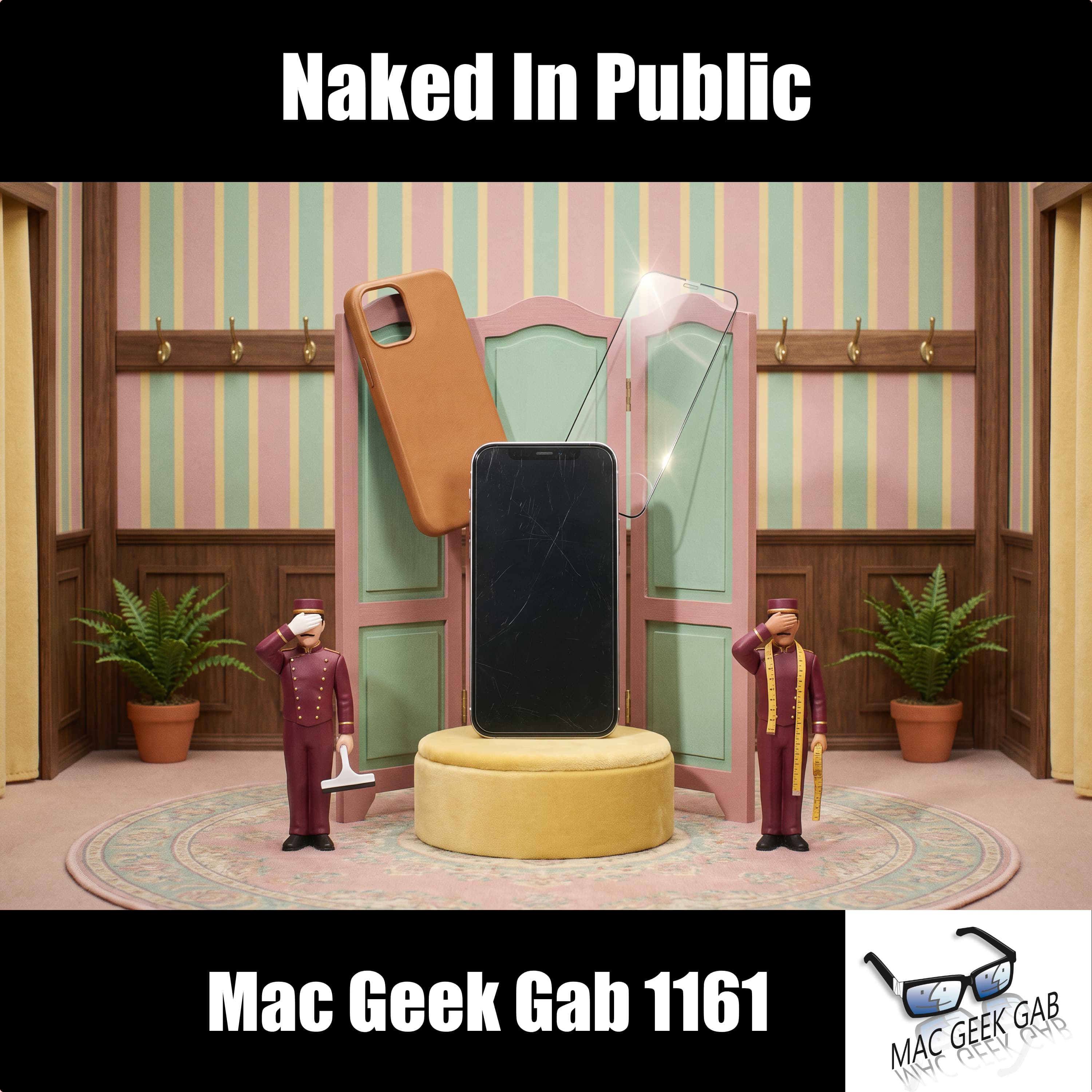
Kick off Mac Geek Gab 1161 with a round of Quick Tips: flip through browser tabs with Command-Shift-[ and ], kill your iPhone flashlight with one tap, and learn iOS 27’s new swipe-down layout, where notifications, Siri, and Control Center each get their own corner. You’ll also bring CarPlay widgets back into your life, compare the apps on all your Macs with one Terminal command (and a little AI help), and find the Identity Documents collection hiding in iOS 27 Photos. Then Don’t Get Caught by SIM protection blocking your new iPhone setup, a watch battery “replacement” that quietly swaps your Apple Watch and takes blood oxygen readings with it, or a GPS-only Apple Watch that can’t call for help when you need it most. Next, your two geeks and a pilot figure out why iCloud Drive won’t keep your files local, share how they juggle iCloud, Dropbox, Google Drive, and Synology Drive, and help a caregiver limit an iPhone’s outgoing calls to a trusted few. You’ll get the right way to speed test your internet from your router, a fix for Siri AI that won’t leave, and an update on hybridsearchd eating your Mac’s CPU in macOS 27. Stick around for Cool Stuff Found, where Adam finally ends years of naked-iPhone with a screen protector (and a dose of shame) that goes on perfectly every time. Press play and get your answers before your gear gets you! 00:00:00 Mac Geek Gab 1161 for Monday, September 28th, 2026 September 28th: National Family Day MGG Monthly Giveaway – Win a license to SuperDuper! 4 The MGG Merch Store is Live! Quick Tips 00:00:01 Follow-up to MGG 1160: Command-Shift-[ and ] switch between browser tabs (Todd) 00:04:45 Turn off the iPhone flashlight with a quick tap of the icon (Martin) 00:07:37 iOS 27 swipe-down has a third option now (Dr. Dream) 00:08:47 Use CarPlay widgets again in iOS 27 (Andrew) 00:13:08 Compare the apps on all your Macs (Andrew) Save a list of your installed apps: ls /Applications > ~/Desktop/apps-list.txt 00:17:51 iOS 27 Photos has an Identity Documents collection (Manhattan Glen) 00:21:50 Genius Scan to scan documents Sponsors 00:23:38 SPONSOR: Hostinger. Hostinger builds your vision step by step. Create your website today. Go to https://Hostinger.com/MGG and use code MGG for 10% off now 00:25:01 SPONSOR: BBEdit, the power tool for text from Bare Bones Software at https://barebones.com … now with integrated Notebooks and extended language support. Don’t Get Caught 00:26:14 Disable SIM Lock before transferring to your new iPhone (Bill) 00:28:27 Follow-up to MGG 1159: replacing the battery might replace your Apple Watch and lose features (Brian) 00:34:42 Think carefully before buying a GPS-only Apple Watch (Doug) Your Questions Answered 00:35:47 Why is iCloud Drive not syncing all of my files? (Joe) Cirrus & Bailiff from Eclectic Light Dropbox OneDrive Google Drive Synology Drive Resilio Sync 00:45:38 How do I limit an iPhone’s outgoing calls to only certain people?...
0:01Dave HamiltonIt's time for Mac GeekGab, and listener Todd brings us our quick tip of the week.
0:05Dave HamiltonHe said, last week you were talking about using command one,
0:09Dave Hamiltoncommand two, command three, to move to the first, second, third,
0:13Dave Hamiltonet cetera, browser tabs in most popular browsers.
0:17Dave HamiltonHe says, I tend to use the command shift bracket.
0:23Dave HamiltonLeft bracket moves to the tab to the left of the one you're in.
0:26Dave HamiltonCommand shift right bracket moves to the bracket to the right of the one you're
0:30Dave Hamiltonin and that way he says i can just move to anything and i don't really have
0:34Dave Hamiltonto think about it also makes it easier when you've got so many tabs that you
0:38Dave Hamiltonhave trouble clicking the one that you want
0:40Dave Hamiltonthis lets you just kind of drive around them and quickly move back and forth
0:44Dave Hamiltonmore quick tips like this plus your questions answered today on mac geek out
0:50Dave Hamilton1161 for monday september 28th national family day We're all family here.
0:57Dave Hamilton2026. Oh, I was about to play the wrong song, guys. Look at that.
1:19Dave HamiltonGreetings, folks, and welcome to MacGeekGab, the show where you send in tips
More Mac Geek Gab — Apple Tips, Tricks, and Troubleshooting episodes →