
Mac Geek Gab — Apple Tips, Tricks, and Troubleshooting · Dave Hamilton, Pilot Pete & Adam Christianson
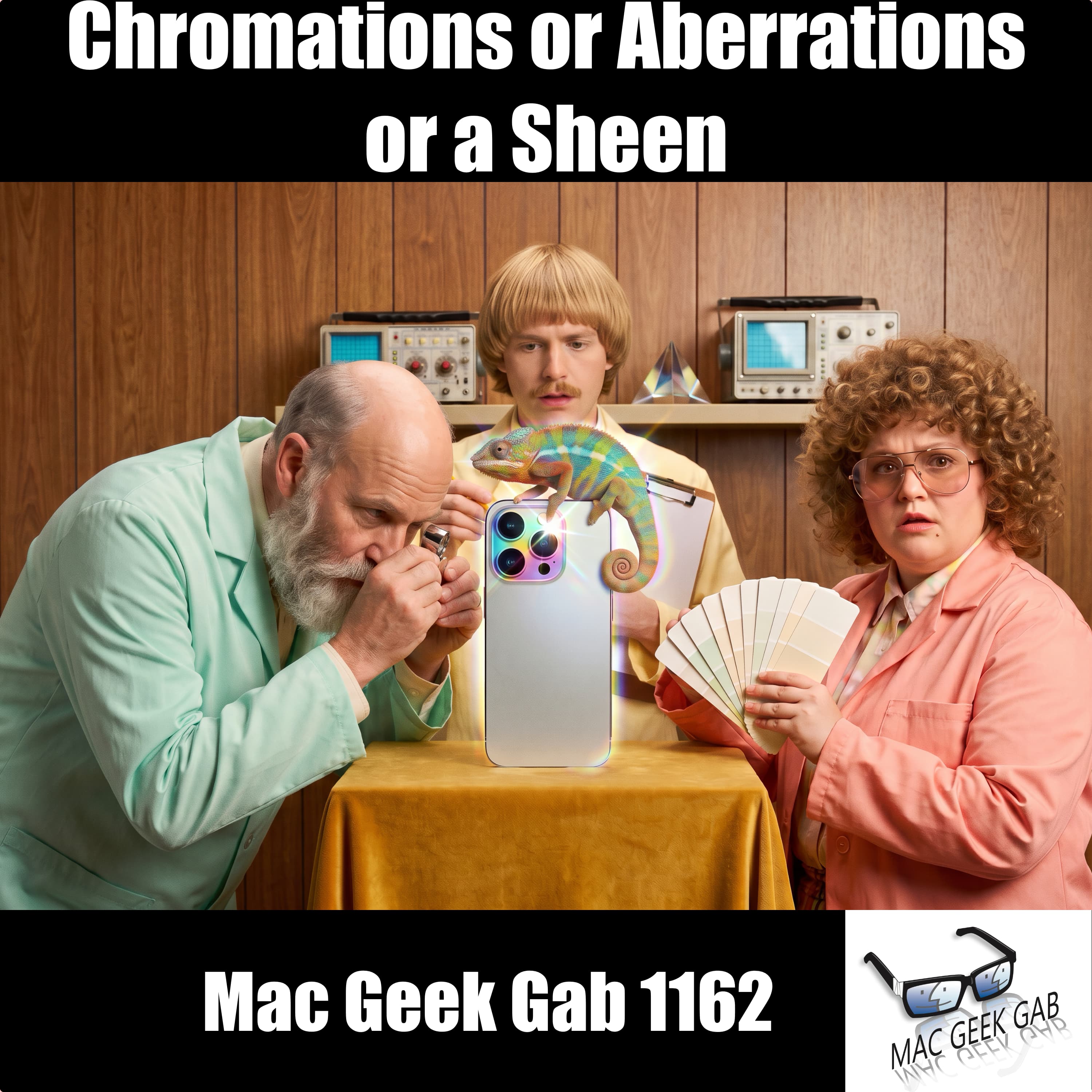
Kick off Mac Geek Gab 1162 with a stack of quick tips. You’ll stop your iPhone’s Camera Control from firing on every accidental squeeze, flip the Mac app switcher into reverse without lifting a finger, and ask Safari to describe an extension and build it for you. You’ll snooze your alarm with S-Lady and get (a little) relief from macOS 27’s hybridsearchd CPU hog. You’ll also borrow a brilliant Shortcuts automation that swaps eSIMs the moment your plane leaves the gate. Then you’ll add your kids’ vital details to your own Medical ID, bring back every closed tab with Command-Shift-T, share contacts despite Apple’s Family Sharing limits, and learn why a quarterly check of your firewall, privacy, and notification settings keeps you from getting blindsided. Pilot Pete, Adam Christianson, and Dave Hamilton also dig into the iPhone 18 Pro color controversy to find out whether it’s chromations, aberrations, or just a sheen. Then your questions get answered. You’ll fix macOS 27 Golden Gate headaches like broken login items, a Hazel that’s gone on strike, and a Spotlight index that needs a fresh start. You’ll turn your Apple Health data into a readable report your doctor can actually use, and you’ll learn how to make your AirPods Pro work as real hearing protection at your next concert. Finally, you’ll find the best path to building Shortcuts, whether that’s a trusted field guide or letting AI write one for you. Press play, tune up your settings, and whatever you do, Don’t Get Caught! 00:00:00 Mac Geek Gab 1162 for Monday, October 5th, 2026 October 5th: National Do Something Nice Day MGG Monthly Giveaway – Win a MGG T-Shirt! The MGG Merch Store is Live! Quick Tips 00:00:01 Set Camera Control to double-click to open the Camera app (Todd) Nomad Traditional Leather Case 00:06:26 Cmd-Shift-Backtick runs the app switcher right to left (Paul) 00:09:13 Hey Safari, describe an extension (Stephen) Stephen’s prompt: Produce four sliders to adjust the brightness (50-200%), contrast (50-200%), saturation (0-200%) and hue of all images. Label sliders B, C, S, H. Include a minimize button labelled -. Put the panel half way up the window. Include a reset button to return values to 100, 100, 100 and 0. Minimise after 10 seconds since last use. Reduce empty space in panel. When minimized only show standard brightness and contrast icons (black and white versions) side-by-side. Tap on those to restore panel. Save the values. 00:12:22 macOS 27 (developer beta 2) begins to resolve hybridsearchd high CPU usage 00:13:21 Hey S-Lady, Snooze! (Adam) 00:16:21 Shortcuts to travel by: switch eSIM networks automatically (Kevin) Sponsors 00:20:18 SPONSOR: Eleven Labs: ElevenAgents can help build experiences that your customers will actually love. If you handle customer interactions, you can start with a demo at elevenlabs.io/MGG 00:22:06 SPONSOR: Hims is changing men’s healthcare by providing convenient, quality care, 100% online. Start your free online visit today...
0:01Adam ChristiansonHey, it's time for MacGeekGab, and listener Todd brings us our quick tip of
0:05Adam Christiansonthe week with, I am fortunate I was able to upgrade to an iPhone 18 Pro and
0:09Adam Christiansonpurchase the Nomad traditional leather case.
0:12Adam ChristiansonThe Nomad case on my previous iPhone 16 Pro had a cutaway for the camera control button.
0:17Adam ChristiansonThe new case has a glass camera control button, and I kept accidentally pushing
0:21Adam Christiansonit while handling my iPhone.
0:23Adam ChristiansonIt was driving me a bit crazy, and I checked the settings for the camera control
0:27Adam Christiansonbutton at settings camera camera control, and there's an option to change to
0:32Adam Christiansondouble click to open the camera app.
0:35Adam ChristiansonThis has stopped me from getting caught by the single click.
0:38Adam ChristiansonMore quick tips like this, plus your questions answered today on Mac Geek Cab
0:43Adam Christianson1162 for Monday, October 5th, 2026.
1:03Dave HamiltonGreetings, folks, and welcome to MacGeekGab, the show where you send in tips
1:08Dave Hamiltonlike that. We share them. You send in cool stuff found. We share them.
1:12Dave HamiltonYou send in questions. We share them, sometimes even with answers as an extra added bonus.
More Mac Geek Gab — Apple Tips, Tricks, and Troubleshooting episodes →