
CollaboraOnline · @fps_gbg – PeerTube
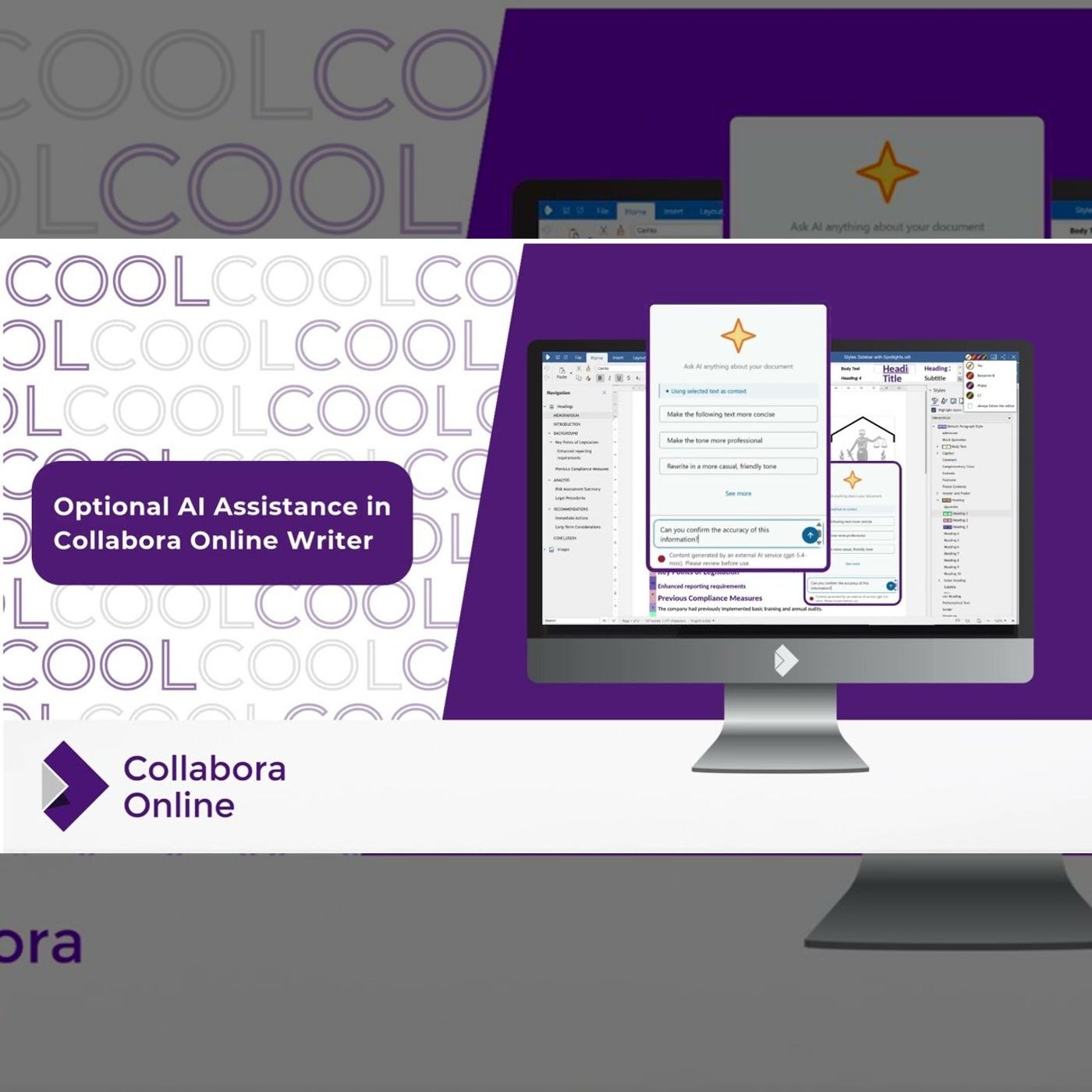
First introduced in CODE 26.04, AI Assistant in Writer is an optional feature that supports writing-oriented workflows such as text suggestions, refinements, summaries, tone adjustments, and faster drafting. Whether you are improving an interna...
0:05First introduced in code 2604, Writer now offers an optional AI powered assistant for
0:12writing oriented workflows, helping users with text suggestions and refinements,
0:17fact-checking, light research, and faster drafting directly inside Collabor Online off by default,
0:24but for those who would like the assistant, it can be quickly configured before use. Open the options
0:31dialogue and go to the AI assistant section. Then simply choose the AI provider. Enter your API key
0:38and choose the model you would like to use. Note that not all AI models can work on a document
0:43directly. Once the AI assistant is configured, we can return to the document. In the view menu,
0:49the AI assistant can be opened from the toolbar. The AI assistant panel appears in the sidebar,
0:55making it available next to the document while you work. When first opened, it has no direct access
1:01to your document contents. First, we start with a text selection in the document. This text will be
1:07used as the context for the AI assistant when we enter a prompt. If an action requires more access
1:12to the document, the AI assistant first asks for approval. This keeps you firmly in control of
1:19your data. No document content is shared with your chosen AI service without your confirmation. Once
1:26the response is generated, users can either insert it at the cursor or copy it to the clipboard. The
1:33AI assistant also offers quick actions such as making the text more concise, summarizing the key